
Getting found · 3 min read
Should my restaurant menu be a PDF?
The short answer
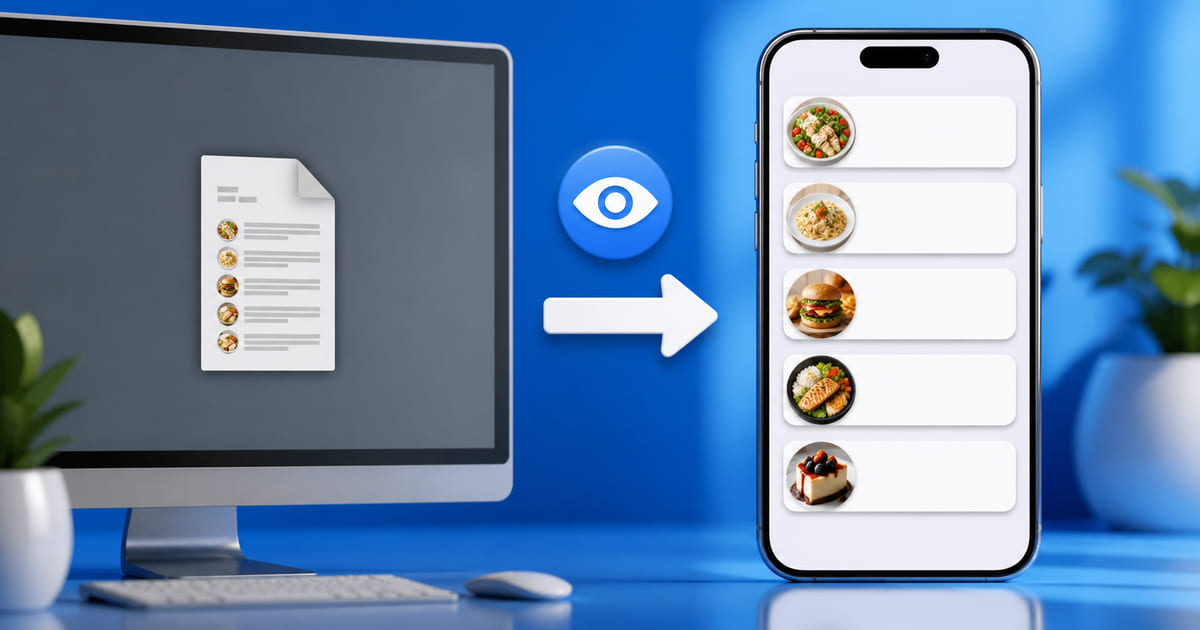
No. A PDF menu is close to invisible to search engines, painful to read on a phone, unreadable to screen readers, and slow to load. Your menu should be text on a normal web page. Keep a PDF only as an optional download for printing. This is one of the most common and most costly mistakes on restaurant websites, and fixing it is usually an afternoon.
On this page
Why this matters more than it sounds
Your menu is the single most requested thing on your website. It is what people came for. And putting it in a PDF is the closest thing to hiding it while believing you have published it.
What a PDF costs you
Search cannot use it properly. Google can open PDFs, but a menu PDF is a poor answer to a question. Someone searching "vegetarian mezze [your town]" is looking for a page about that. A downloadable file is not one, and it will lose to a competitor whose menu is text on a page.
It is genuinely unpleasant on a phone. Most of your visitors are on one. A PDF designed for A4 arrives as a tiny page they must pinch, zoom and drag around. Every one of those gestures is a chance to give up and pick somewhere else.
Screen readers struggle. A menu exported from a design tool is frequently just an image inside a PDF wrapper — meaning it contains no text at all, only a picture of text. Nobody using a screen reader can read it, which is what web accessibility means in practice. Neither can Google.
It is slow. Menu PDFs are often several megabytes, which is a real wait on mobile data outside your restaurant.
It goes stale invisibly. Updating a PDF means opening the design file, exporting, uploading, replacing. So it does not happen, and last spring's prices stay up.
The specific trap: a photograph of a menu
Worse than a PDF, and very common: photographing the printed menu and posting the image.
To a search engine that is a picture with no words in it. To a customer it is unreadable without zooming. To someone with low vision it is nothing at all. Your entire menu — the thing you are selling — becomes content no machine can read and many people cannot either.
If you take one thing from this article: your prices and dish names must exist as selectable text.
What to do instead
Put the menu on a page, as text. Genuinely that simple.
- One page per menu if you have several — lunch, dinner, drinks. Each becomes findable on its own terms.
- Dish name, description and price as text, not as a graphic.
- Mark up allergens and dietary options as text too. "Vegan" written on the page is searchable; a small leaf icon is not.
- Keep the PDF if you want, linked as "download to print". It becomes a convenience rather than the only route.
How to check what you have
Open your menu page on a phone and try to select a dish name with your finger, as though copying it.
If the text highlights, you have a real menu page. If nothing highlights, you have a picture — and to a search engine, effectively no menu at all.
Where this is handled for you
On a Helm site the menu is structured content in the dashboard, not a file you upload. You edit a dish or a price and the page updates as real text — searchable, readable on a phone, and legible to an assistant.
That matters here because the PDF habit usually survives good intentions: people know the file is wrong and keep it because replacing it is a chore. Removing the chore is what actually fixes it.
It matters twice over if you have QR codes on the tables, because those are printed and permanent while the menu behind them is not — what a QR code menu should point at is the same decision one step earlier.
Why this is worth doing before anything else
Most restaurant SEO advice involves ongoing work. This one is a single afternoon that permanently converts your most-requested content from invisible to findable — and it removes the friction at the exact moment someone is deciding where to eat.