
Getting found · 5 min read
What should a bakery's website include?
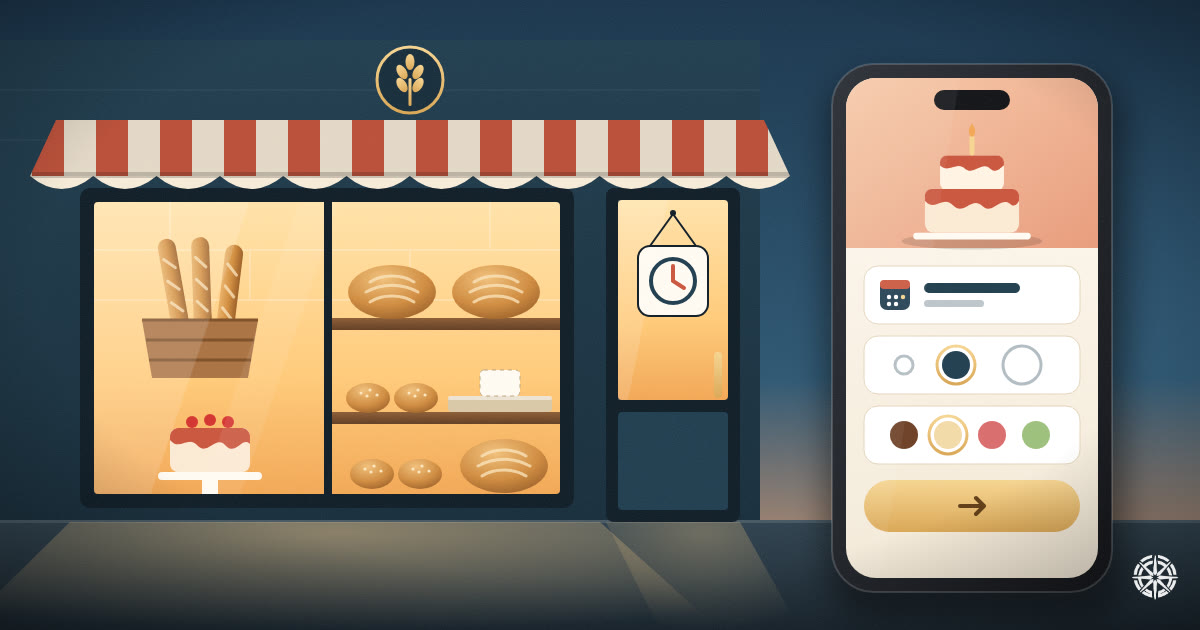
The short answer
Four things, in this order. Opening hours that are right today, a menu that shows what has sold out, a way to order a custom cake that captures the date, size and flavour in one go, and real photos of your own bakes. Everything else is decoration. Most bakery sites get the order form wrong.
On this page
A bakery's website has two very different visitors, and most sites only serve one of them.
The first is deciding whether to come in this morning. They want to know if you are open, where you are, and whether the thing they like is there. They will spend fifteen seconds on your site, on a phone.
The second wants to order something: a birthday cake, forty pieces of ma'amoul for Eid, a tray for the office. They will read everything, and then they will message you with a question the site should have answered.
A good bakery site is built for both. Here is what that takes.
Hours that are right today, not in general
This is the first thing people check, and the thing bakeries most often get wrong, because bakery hours move. You close early when you sell out. You open at six on Saturdays. You shut for a week in August.
Your hours need to match in three places: your website, your Google Business Profile and your door. When they disagree, people trust Google, and if Google is wrong they turn up to a closed shutter. See what is a Google Business Profile for how to set that side up.
Bakeries also have the busiest seasons of any food business, and the hours change with them: Ramadan evenings, the days before Eid, Easter, Christmas. Put the seasonal hours up two weeks early, not the night before. The detail is in Ramadan and seasonal hours for your business.
A menu that shows what has sold out
A bakery menu has a problem a restaurant menu does not: it changes during the day. The croissants are gone by ten. Today there is no sourdough.
A menu that lists everything you ever make sends people across town for something that is not there. It is better to show fewer items and keep them true. A menu run on Helm can give every item an availability switch. Turn it off when the tray is empty, and a site that reads the switch stops listing it, without anyone editing a page.
Give every item a price and one line saying what is in it, and mark the common allergens: nuts, sesame, gluten, dairy. For a bakery that is not a nicety. Parents ordering for a child's class will ask, and a site that answers first saves you the call.
The custom order form is the part that earns money
This is where a bakery site pays for itself, and where most of them fail. A contact form that says "Tell us about your order" gets you a message saying "Hi, how much is a cake?" Then you spend four messages finding out the date, the size and the flavour.
Ask for those in the form itself:
- The date they need it, as a date field, not free text
- How many people it has to feed
- Flavour and filling, as a short list to choose from, plus "something else"
- Pickup or delivery
- Anything written on it, spelled out exactly
Say your lead time on the same page: "custom cakes need three days' notice, wedding cakes three weeks." That one line stops the orders you cannot make.
On Helm there are two ways to do this, and they suit different bakeries. You can build the form yourself in your dashboard from those field types (date, number, choice and text), and each order arrives in your inbox with every answer in its own field. Or you can take orders as booking requests. The customer picks the date they need it and writes the details, and you confirm or decline from your dashboard. They get an email either way. That is a request you accept, not an automatic booking, and it suits a bakery: you know whether you can fit one more cake on Saturday, and a calendar does not.
If most of your orders arrive on WhatsApp today, you do not have to stop. Keep WhatsApp for the conversation and put the order itself somewhere with a date on it. Taking orders on WhatsApp explains how to split the two.
Starting prices for the things people ask about
Nobody expects a fixed price for a three-tier wedding cake. But "birthday cakes from $35, serves 10" answers the question most people were going to message you with, and it filters out the ones who were hoping for $10.
Publish a "from" price and say what changes it: size, design, filling. The case for doing this is in should I put prices on my website.
Your own bakes, photographed on the counter
Stock photos of a perfect croissant hurt a bakery more than almost any other business, because the product is the photo. People want to see your ka'ak, your cakes and your window, as they look.
Six honest photos are enough: the counter in the morning, three or four signature items, one custom cake you are proud of, and the front of the shop so people recognise it from the street. What photos should be on my website covers the rest.
Something for the regulars
A bakery's best customers come in several times a week. That is the ideal case for a stamp card: the tenth coffee or the sixth manousheh free. The mechanics barely matter. What matters is that whoever is on the counter can add a stamp in a couple of seconds during the morning rush. Helm's loyalty module does stamps or points, and staff add them from their own login.
What can wait
You do not need online payment on day one, a blog, or a page for every product you have ever baked. Get the hours, the menu, the order form and the photos right first. They answer nearly everything a customer wants to know before they walk in or place an order.