
Getting found · 5 min read
How do I check my website, and what should a check look at?
The short answer
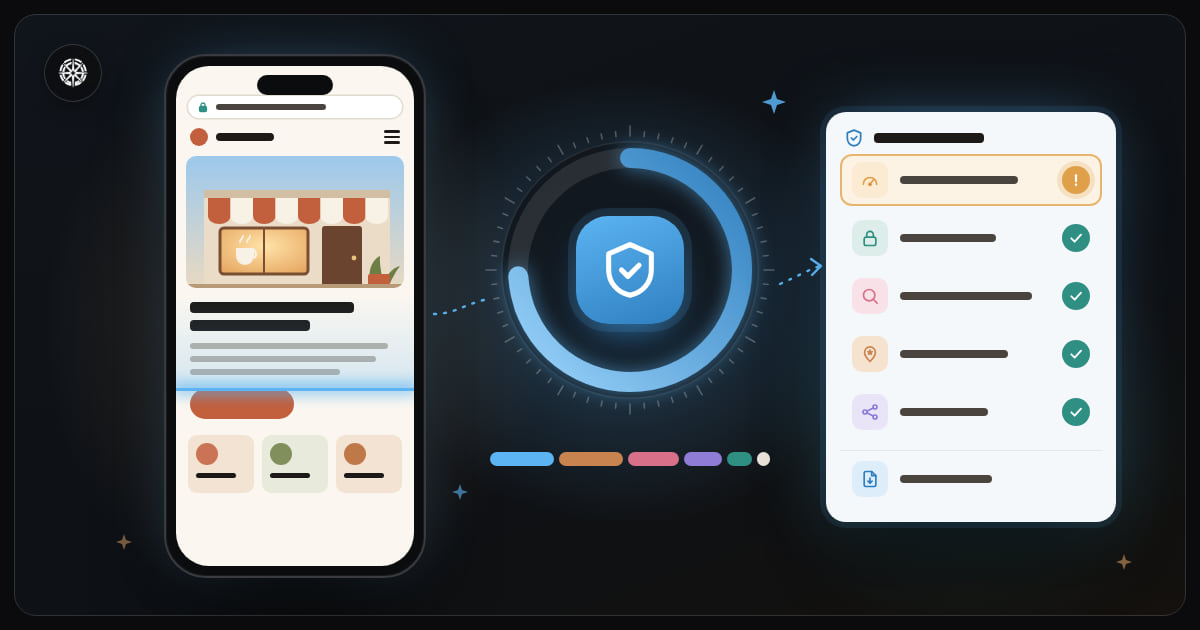
A website check looks at five things: how fast the site loads on a phone, whether its security certificate is valid, the basics search engines read, your Google Business Profile and your social accounts. Judge it on a phone, not a desktop: Google reads your site as a phone does, and most likely so do your customers.
On this page
This is about checking your own business site: is it quick on a phone, secure, readable by Google, and backed by your Google listing. Whether a site you are about to buy from can be trusted is a different check.
You can do most of it yourself in half an hour, with your phone and one Google tool.
Start on a phone, not a desktop
On the office computer, on fast wifi, your site nearly always looks fine. But Google reads and ranks the phone version of your site, and your customers see it on a small screen over mobile data. So start each step below on a phone; only the certificate's expiry date is easier on a computer.
Speed on a phone
Open Google's PageSpeed Insights at pagespeed.web.dev, paste your address and press Analyze. The result has two tabs, mobile and desktop: read the mobile one.
The page has two parts:
- What real visitors experienced over the last 28 days, shown once the site has enough visitors using Chrome. Watch how long the largest thing on the page takes to appear: 2.5 seconds or less is good.
- A score out of 100 from a simulated test: 90 and above is good, 50 to 89 needs improvement, under 50 is poor.
Don't chase 100: going from poor to decent is what customers feel. On most small business sites a low score means large photos uploaded straight from a phone; the fixes, in order, are in how do I speed up my website.
Security: the "Not secure" warning and the expiry date
Three things, a few minutes in all:
- No warning. Open your site and look beside the address. A secure site shows no warning; Chrome shows only a small settings icon where the padlock was. If it says "Not secure", the certificate is missing or broken, and many visitors leave. Causes and fixes: why does my website say "not secure".
- The expiry date. Easiest in Chrome on a computer: click the small icon left of the address, then "Connection is secure", then "Certificate is valid", and read "Expires on". One that expires next week is next week's outage; it should renew on its own.
- http to https. Type your address by hand starting with
http://, nothttps://. You should end up on the secure version, not on a page marked "Not secure".
The basics search engines read
Visitors rarely see these; Google reads them on every page:
- The page title, the link shown in search results. Every page needs its own; see how do I write a good page title.
- The description, the two lines under the title in results.
- Exactly one main heading on each page, saying what the page is.
- Alt text on images, a short description of each picture that Google and screen readers use; more in what is alt text, and does it actually matter.
- A canonical link, telling Google which copy of a page is the original.
- A sitemap and a robots.txt file: the first lists your pages, the second tells Google where to crawl. Try your address followed by
/sitemap.xmland/robots.txt; see what is a sitemap, and do I need one. - Structured data, a machine-readable description of your business (name, address, hours) that Google understands.
- Share tags, which decide the picture and title shown when someone sends your link on WhatsApp.
A quick check: search Google for site: and your domain to see your titles and descriptions, and send your link to yourself on WhatsApp to see its preview.
Outside the website: your Google listing and your accounts
Many customers see you on Google Maps before your site. Search your business name on your phone:
- Rating and number of reviews, and how recent the last one is. A review from last week says the place is open; one from last year raises a question.
- Photos: are there real, recent pictures of the place?
- Hours: are they there, and right today?
If there is no listing, or nobody has claimed it, start with what is a Google Business Profile.
Then your social accounts: does your site link to your Instagram, Facebook and TikTok, and does each link open a live account? A broken footer link tells visitors nobody is watching.
How Helm's audit does it
Helm's Audits tool rolls these parts into one score out of 100:
- Speed on a phone: 25 points, from the PageSpeed Insights mobile score.
- Your Google listing: 25: rating (up to 10), number of reviews (up to 8), a review in the last 30 days (4), at least three photos (2), and hours (1).
- Search engine basics: 20, across the nine items above: title and description (3 each), and the other seven (2 each).
- Social accounts: 15, up to 5 each for Instagram, Facebook and TikTok, when the site links to the account and the link opens.
- Security: 10: a valid certificate (5), a site that answers over https (3), and more than 30 days before the certificate expires (2).
- Structured data and share tags: 5, counted here a second time: structured data (3) and share tags (2).
With the score comes a PDF report on each part, ending with what to fix first, and written in Arabic when the site is in Arabic. A business with no website yet is still scored on its Google listing, and the same check can be run on a competitor to see where you stand.
Audits and their reports are in the client's dashboard (see which plans include them), and any business can ask for one on usehelm.host.
The short version
- On a phone, not a desktop.
- Speed: PageSpeed Insights, mobile tab; fix the photos first.
- Security: no "Not secure" warning, the expiry date, http landing on https.
- Search engines: a title and description per page, one main heading, alt text, a sitemap.
- Outside the site: rating, reviews, photos and hours on Google, and social links that work.
Run it again every few months, and after any big change to the site.