
Getting found · 5 min read
Google shut down my business.site website. What do I do now?
The short answer
Google turned off websites made with Business Profiles on 5 March 2024, and since 10 June 2024 every business.site address shows "page not found". Your Google listing is still live. Check its website link today, and add your new site the day it goes live, on a domain you own, so a provider's decision can't take it down again.
On this page
If your business had a free website made from its Google Business Profile, its address ended in business.site, and you probably never thought about it again. Then a customer tells you the link in your Instagram bio goes nowhere, or you scan the QR code on your own menu and get an error. Here is what happened, and the order to fix it in.
What Google switched off, and when
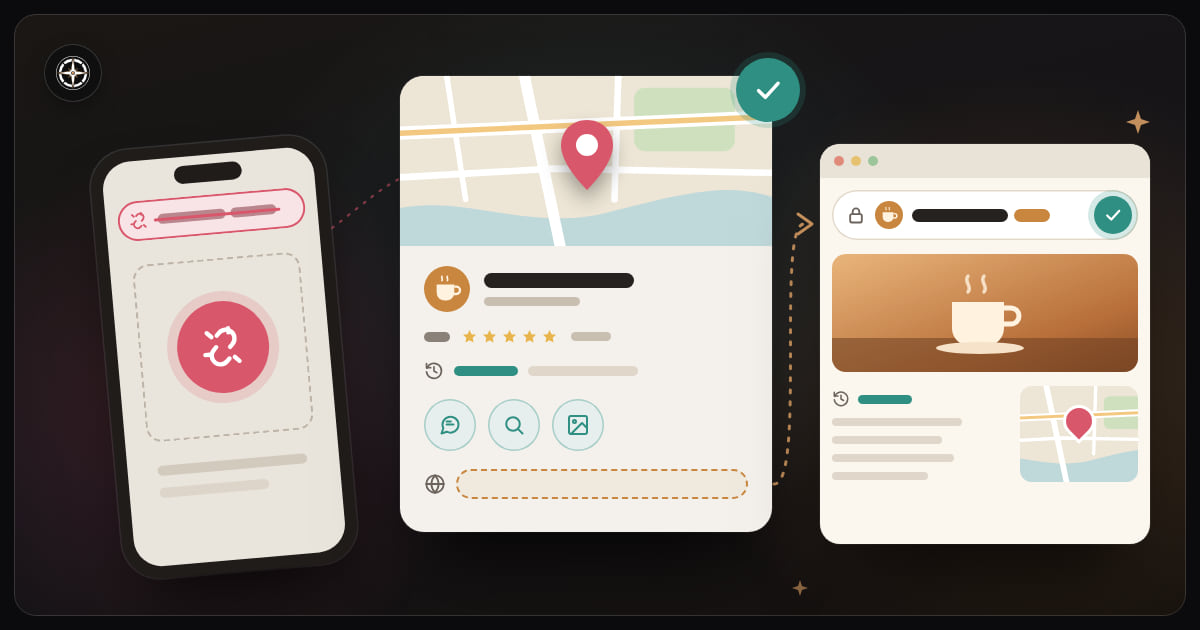
Google stopped offering websites made with Business Profiles in early 2024. From 5 March 2024 the sites were turned off, and for a few months anyone who opened one was sent to the business's Profile instead. That redirect ended on 10 June 2024. Since then, every address ending in business.site or negocio.site shows "page not found".
If you had pointed a domain of your own at the old site, that stopped working too, unless you pointed it somewhere else before 10 June 2024. The sites are gone, so the only way forward is a new one.
Your Google listing is fine
Only the website went. Your Business Profile, the listing that puts you on Google Maps with your reviews, hours, photos and the call and directions buttons, was not touched. Google's help page on the change said that, apart from the website, profiles weren't affected. If you're not sure what that listing is or does, here is what a Google Business Profile is.
That is the good news, because for a local business the listing usually does more work than the old website ever did. People find you on the map, read the reviews and tap Call. Getting more customers from Google Maps is mostly about keeping that listing complete.
Check this first: the website link on your listing
Open your Business Profile, choose to edit it, and look at the website field under Contact. Google removed business.site and negocio.site addresses from that field, so it is probably empty now. A listing with no website loses the people who want to see your menu, prices or services before they come.
Two cases:
- The field is empty. Add your new site's address the day it goes live, and check it again after any change.
- The field shows a domain of your own. Open it on your phone. If that domain used to forward to the business.site page, it may now lead nowhere, and Maps is sending people to an error. Point the domain at your new site, or clear the field until you can.
Checking takes five minutes. If a domain of yours is sending Maps visitors to an error, fixing it reaches more people than anything else here, so do it first.
Find everywhere the old address is printed
The business.site link is probably in more places than you remember. Go through:
- your Instagram and Facebook bios
- your WhatsApp Business profile
- menus, flyers, business cards and stickers on the door
- QR codes on tables, packaging or the counter
- directory listings, and any delivery app or marketplace profile that shows a website
Bios and directory entries take minutes. Printed things are slower: replace them as you reprint. A QR code is the hardest, because it can't be edited once it's printed, so this time point it at an address that will never change.
This time, get an address you own
The lesson isn't really about Google. A free address on someone else's service, like yourcafe.business.site, belongs to that service. When it decides a product isn't worth running, the address goes with it, and so does every link you printed.
A domain of your own, like yourcafe.com, works differently. You register it, renew it each year, and can move it from one provider to another without the address changing. If your website company closes or you leave it, the domain comes with you and your QR codes keep working. Two things matter: choose a short name people can say out loud, and register it in your business's name rather than a developer's. Who owns my website? goes through what to check.
What to put on the new site
You don't need much. The old Google site was a single page built from your listing. A new one that does better needs:
- your opening hours, kept current
- where you are, with a map
- how to reach you: phone, WhatsApp, email
- what you sell: your menu, services or products
- a few real photos of the place and the work
That is the minimum, and what every small business website needs covers the rest. If you had been leaning on social media in the meantime, here is why a Facebook page isn't the same thing.
Where Helm fits
Every Helm plan, Lite, Standard and Business, lets you put the site on your own domain, so the address is yours. There are three ways to get the site itself: Helm's team builds it for you, Helm AI builds one from a short chat, or Helm hosts a site you already have, from a ZIP file or GitHub. Once it's live, you change your hours, menu, photos and text yourself from your dashboard.
If you buy the domain through Helm, you choose from generic endings such as .com or .shop. Country endings such as .com.lb aren't sold there, but one bought elsewhere can be connected.
There is no way to import a business.site page; those sites are gone. Most of what they showed is still in your Business Profile, though, so you already have what you need to start again, this time at an address that's yours.