
Getting found · 4 min read
Do I need Google Analytics?
The short answer
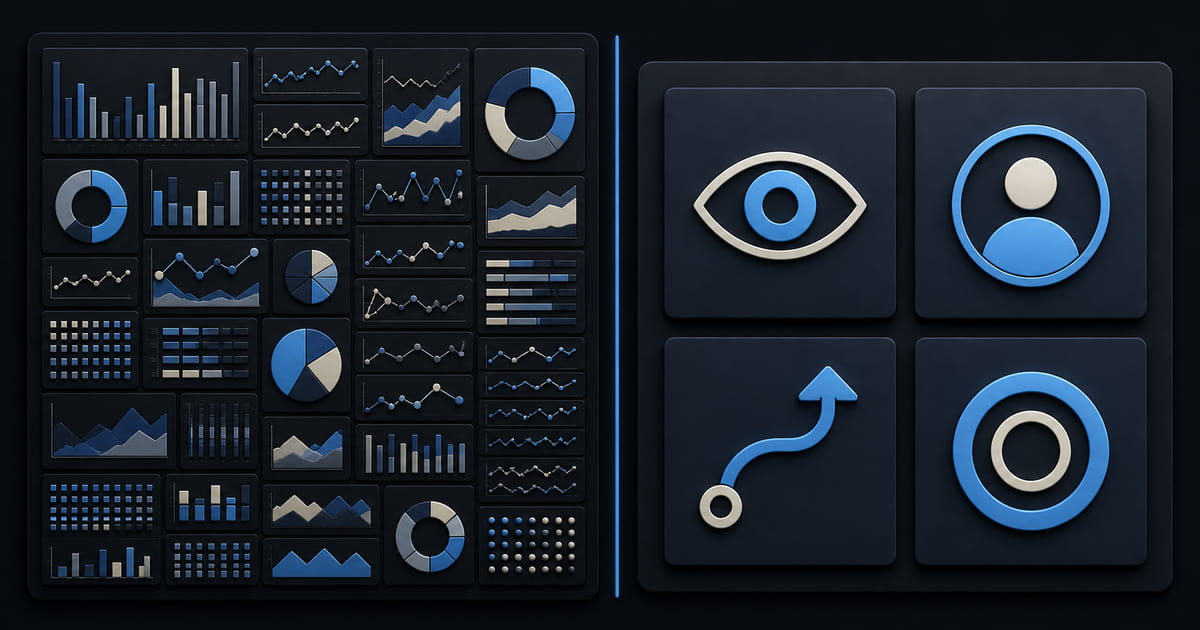
Probably not, if you run a small business. It is built for teams whose full-time job is analysis, it triggers a cookie consent obligation most small sites would otherwise avoid, and it answers questions you are not asking. What you actually need is four numbers you will look at monthly — and simpler tools give you those with far less compliance overhead.
On this page
The honest position
Google Analytics is a serious, capable product, and it is free. If you run paid campaigns at scale, or you have somebody whose job includes analysis, use it — nothing on this page argues otherwise.
For a small business, the pattern is almost always the same: it gets installed during the build, opened twice in the first month, and never again. Not through laziness. It is built for a different user, and being confronted with acquisition channels, engagement rate and event parameters when you wanted to know "is anybody looking at this" is genuinely off-putting.
An analytics tool nobody opens has negative value: it costs you a cookie banner and gives you nothing back.
The cookie problem, which is the real cost
This is the part most people do not connect.
Google Analytics sets cookies and sends visitor data to a third party. That is what puts a site into consent territory — which means a banner, which means every visitor now has to dismiss something before they can read your page.
Remove that one tool and a great many small business sites have nothing left that legally requires a banner. The site itself stores nothing on visitors' devices for tracking, and a session cookie that only keeps a login working is exempt. So the banner most small businesses believe is a legal requirement is frequently a consequence of a tool choice — see do I need a cookie banner.
Weigh that properly. You are trading a measurable conversion cost on every visitor against data you are not reading.
(Not legal advice — if you run ad pixels or embed third-party video you are in banner territory regardless.)
The four numbers worth having
Whatever tool you use, this is the whole practice for a small business:
- Enquiries, bookings or orders. The outcome. Count them monthly and compare like with like — August against August.
- Which pages people arrive on from search. Not most-visited overall; the entry pages. That tells you what people were looking for when they found you, and it is usually not the homepage.
- Where they came from. Search, social, direct, a directory, a campaign.
- Whether the contact form still works. Not a metric, a check, and the most important item here. Send yourself a real submission monthly, because forms fail silently.
Anything beyond those four tends to produce more analysis and no more decisions — and for a small business the decisions are the point. Longer version in how do I track if my website is working.
The free thing that beats it for local businesses
If you have a physical location, your Google Business Profile insights are more useful than your website analytics, and you already have them.
They report how many people tapped to call, asked for directions, or visited your site from the profile. For a local business those are the closest thing to purchase intent you can get for free, and the numbers are frequently larger than anything your website reports — see what is Google Business Profile.
Check that before you install anything.
What this looks like in Helm
Helm sites come with analytics in the same dashboard as the content, built the opposite way round from Google's.
No cookies are used for tracking identity. The session lives in the browser's own session storage and disappears when the tab closes, and visitor IP addresses are hashed rather than stored. So you get the numbers with far less kept about each visitor, which is the trade this whole article is about. That identifier in session storage still counts under the banner rules, though, so whether you need a banner depends on your law; there is simply far less to ask about.
What it reports: entry and top pages, sources and any UTM tags on a campaign, countries, devices and browsers, who is on the site right now, how far down a page people get and how long they spend in each section, what they clicked including links that took them off your site, and form submissions. Date ranges with a comparison overlay, so August against August is two clicks. CSV export if you would rather work in a spreadsheet. You can switch off the widgets you do not care about so the page stays the size of your actual question.
And it is in the same login as your content, which is the unglamorous reason the monthly ten minutes actually happens rather than requiring a second tool nobody opens.
One honest note: it is deliberately less sophisticated than Google Analytics. If you need multi-touch attribution across paid channels, it is not that, and you should use the thing that is.
The short version
If somebody's job includes analysis, use Google Analytics. If not, installing it costs you a cookie banner and buys you data you will not read. Check your Business Profile insights first, then track four numbers monthly, and make sure one of them is that your contact form still works.