
Memberships and courses · 6 min read
What is a membership website?
The short answer
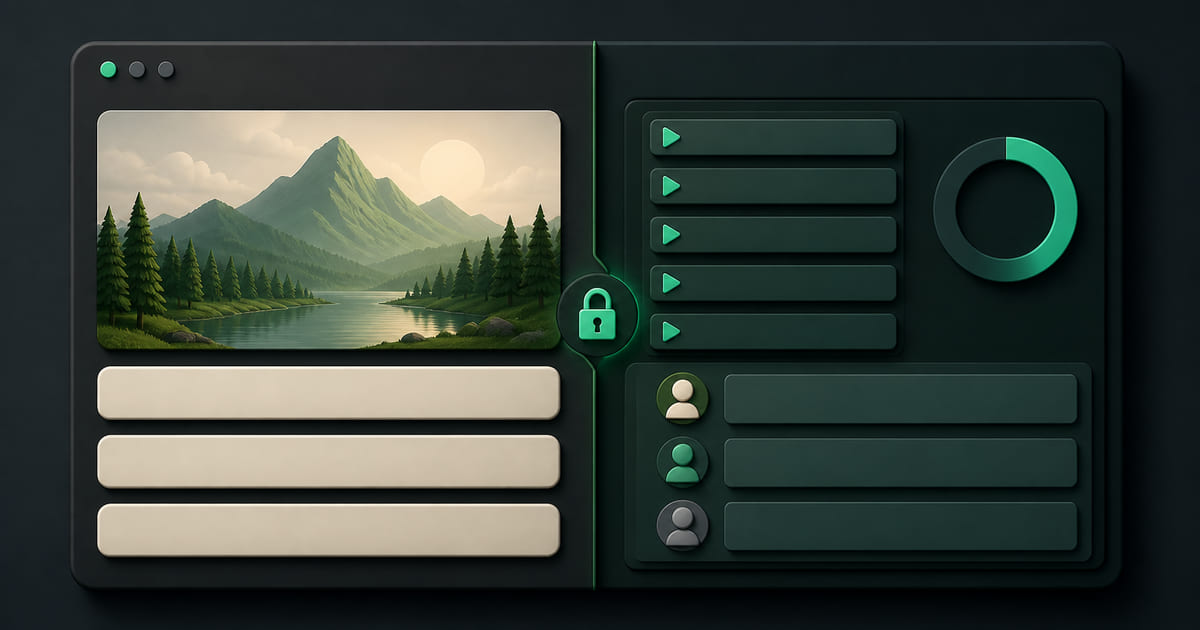
A membership website is an ordinary website with a locked area behind it. The public pages do the job of being found; people who have signed up or paid log in and get something more — a course, a coaching plan, a members' community, session credits, their own booking history, member pricing. The public half brings people in. The locked half is what turns a one-off visitor into a recurring customer.
On this page
The short version
A membership website is not a different kind of website. It is a normal website with a door in it.
Anyone can read your public pages — that half still has to load fast, say what you do, and turn up on Google. Behind the door is something only members get. What that something is depends entirely on your business: a course, a training plan, a recipe archive, a private community, a price list, a booking history, a stack of session credits.
The distinction that matters is not technical. It is commercial. A normal website sells something once. A membership website gives someone a reason to come back on the first of every month.
What actually sits behind the login
"Members area" is vague enough to be useless, so here is what businesses actually put there.
| Business | Behind the login |
|---|---|
| Gym or studio | Class timetable, membership status, session credits, plan |
| Personal trainer | The client's programme, check-ins, session balance |
| Coach or consultant | Plans, worksheets, notes, a schedule |
| Course creator | Chapters, lessons, videos, progress |
| Clinic or practice | Appointment history, forms, aftercare instructions |
| Retail or wholesale | Trade pricing, reorder history, account terms |
| Restaurant or café | Loyalty balance, member offers, early access |
The pattern underneath all of these is the same. Behind the door is either the thing they bought, or the record of their relationship with you, or both.
The four parts every membership site needs
Whatever you are selling, a membership site fails without all four of these. Most fail on the third.
1. A way to sell access. Someone has to be able to become a member without emailing you. If the only route in is a WhatsApp conversation, you have a mailing list with extra steps.
2. A way to gate the content. The thing members paid for has to be genuinely unavailable to people who did not pay. This sounds obvious and is routinely botched — an "unlisted" video link is not gated, it is just hard to find.
3. A way to see who your members are. This is the one people skip, and it is the one that decides whether the business survives. You need to know who joined, when, what they are on, and who quietly stopped opening anything three weeks ago. A membership you cannot see is a membership you cannot save.
4. A way to talk to them. Not a newsletter blast — the ability to reach the specific members on a specific plan about a specific thing.
When you need one, and when you do not
You probably need a members area if:
- People pay you monthly or in advance for something delivered over time
- You are selling knowledge, programmes or access rather than a physical product
- Your customers ask you the same "where is my…" question repeatedly
- You have content that is valuable enough that giving it away publicly costs you money
You probably do not need one if:
- You are trying to gate content nobody has asked for. A locked area is not a business model; it is a container for one.
- Your real problem is that not enough people have heard of you. A door does not help when the street is empty. Fix the public half first — see what every small business website needs and how to get your website on Google.
The mistake that costs the most
The most expensive membership-site mistake is not choosing the wrong platform. It is splitting yourself across two of them.
The usual shape: the website lives on a builder, and the members area lives on a course or membership platform somewhere else. It works, briefly. Then the seams start showing.
The members area is on someone else's domain, so it does nothing for your search visibility — every hour of content you produce compounds for them instead of you. Your customer list is on one system and your enquiries are on another, so nobody has the full picture of a single person. Two subscriptions. Two logins. Two places to update your prices, and one of them will be wrong within a month. On the prices themselves, what to charge for a membership is its own question.
And the exit is worse than the entry. Moving a website is a known quantity. Moving a membership means moving people mid-subscription, which most businesses simply never do — which is precisely why platforms are comfortable charging what they charge.
What this looks like without a second platform
This is the specific thing Helm was built to avoid.
The members side is not a separate product bolted on — it is a set of modules in the same dashboard as your website. Courses with chapters, lessons and video. A community feed with posts, comments and a points leaderboard. Coaching plans with ongoing client check-ins. PT sessions with credits and scheduling. Offerings, which define what you sell and what holding it entitles someone to — granted automatically on purchase or by hand when you would rather approve people yourself, and cascading, so a member with a course also gets the community without you keeping two lists. Quizzes that capture and score a lead. Loyalty as a stamp or points card, with a reward threshold you set and redemption by QR at the counter. Customer accounts underneath all of it.
One detail worth drawing out, because it is unusual: the login and the loyalty card render on your own site, through a widget embedded in your pages, rather than on a portal with our name on it. Your members never leave your domain, and there is nothing for them to install.
Two consequences follow from that being one system rather than two.
The first is that your members area sits on your domain, so it counts as your site rather than someone else's. The second is that you only see the modules you actually use — a module manager keeps the sidebar to the parts your business runs on, and some switch themselves on when they become relevant, so a quiz turns on Leads and a membership turns on Offerings. A gym does not have to look at a course builder it will never open.
And if the thing your business needs is not on the list, it gets built and then added for every Helm customer who might want it. A template platform cannot do that: its feature set is a product decision made once, for everyone.
The honest summary
A membership website is a website with a locked half. The public half decides how many people find you; the locked half decides how many stay. Build both, keep them on one domain, and make sure you can see who is behind the door — because the members you cannot see are the ones you lose.