
The basics · 2 min read
What is a CMS, and does my small business need one?
The short answer
A CMS — content management system — is the part of a website that lets you change words, images and prices yourself without touching code. You need one if your content changes more than once or twice a year. If it genuinely never changes, you do not, and a simpler static site will be faster and cheaper to run.
On this page
What it is
A website has two halves: the pages a visitor sees, and the content inside them — the words, the images, the prices.
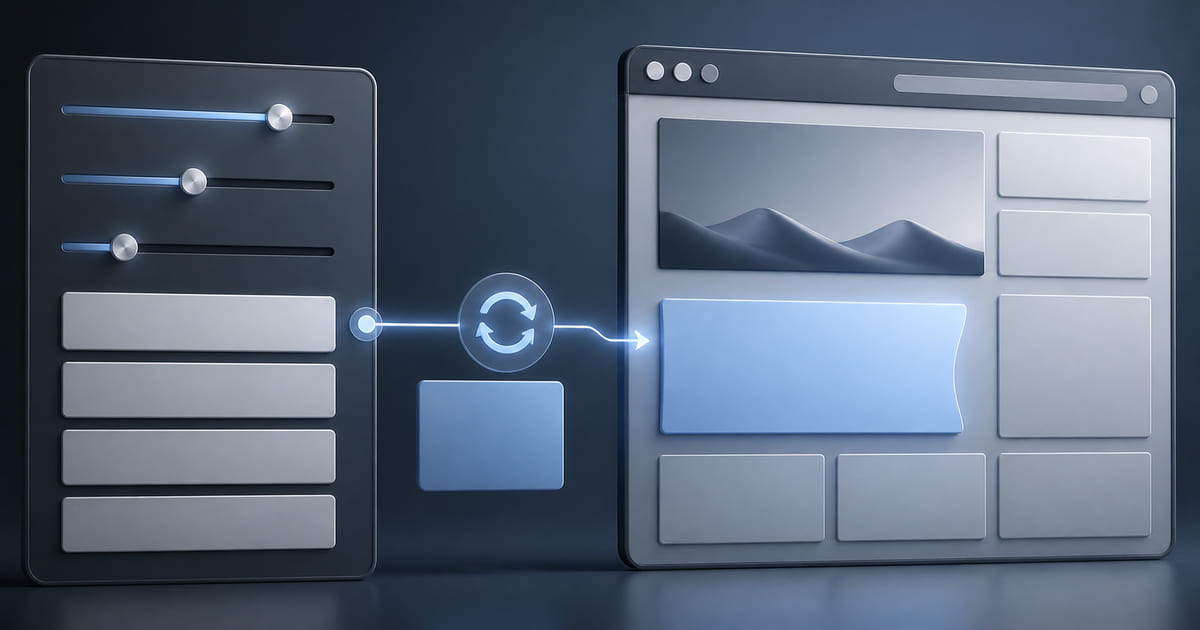
A CMS separates the two. Instead of the words being baked into the code, they live somewhere you can reach, in a dashboard with ordinary form fields. You change the price, save, and the page updates.
Without one, changing a price means editing code. Which usually means emailing whoever wrote it — the whole question of updating your own site without a developer.
The question that actually decides it
Not "is a CMS good", but how often does my content change?
More than a few times a year: you need one. Prices, hours, menus, staff, services, seasonal notices. Each change is either a task you do in a minute or a request that waits three days.
Genuinely almost never: you may not. A simple static site is faster, cheaper, and has less that can break. This is rarer than people expect — most businesses find they change more than they thought — but it is a legitimate answer.
What a CMS is not
It is not a design tool. A good one lets you change content within a design somebody made deliberately. That constraint is a feature: it stops a site drifting into a mess six months after launch.
It is not automatically a heavy system. People hear CMS and picture something large that needs maintenance. It can be. It can also be a clean dashboard with the ten fields you actually change, which is what most small businesses want.
It does not have to mean a template. This is the assumption that costs people most. A custom-designed site can have a content layer attached, so the design is yours and the editing is yours too.
The version without the tradeoff
The usual CMS trade is that you get editing but inherit somebody's template, or you get a custom design and lose the editing. Helm is built to avoid that: a design made for your business, with only the fields you should touch exposed in the dashboard — text, images, prices, menus, SEO titles — and the layout locked so content changes cannot break it.
What to ask for
If you are commissioning a site, the useful question is not "does it have a CMS" but:
Which specific fields can I edit myself, and what happens to the layout if my text is much longer than the example?
The first half tells you the scope. The second tells you whether it was built properly — a headline that fits at six words and breaks at fourteen is not really editable, whatever the dashboard says.