
The basics · 5 min read
What is DNS, and why does it matter to my business?
The short answer
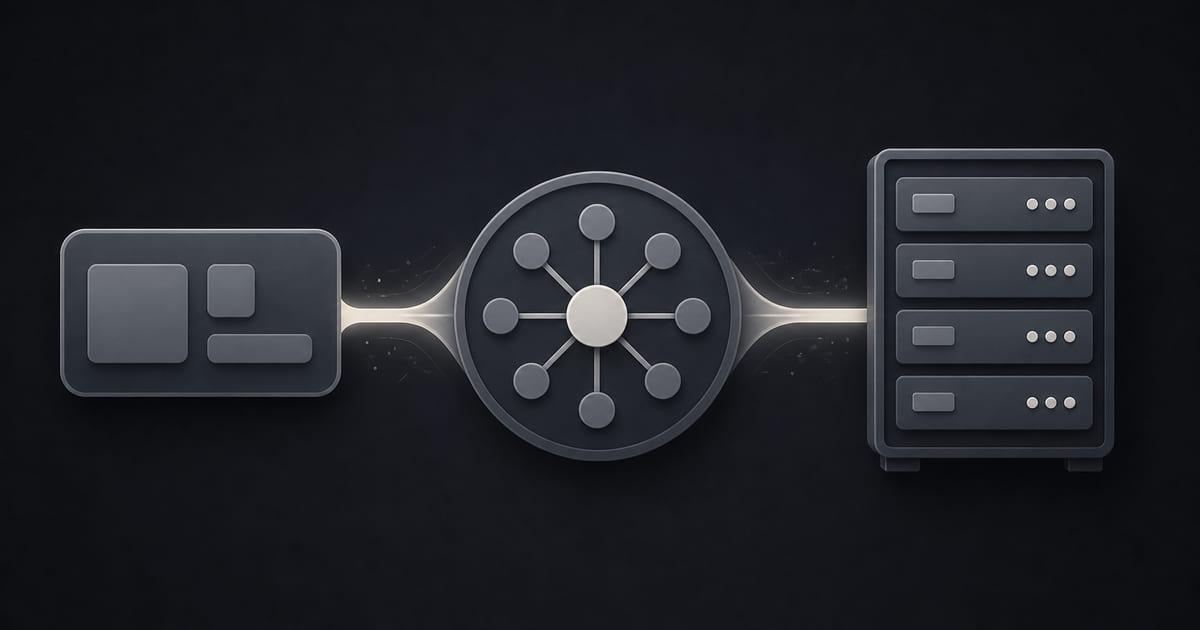
DNS is the address book of the internet. It turns your domain name into the number of the machine that serves your website, and it also decides where your email goes. That second part is why it matters commercially — most business DNS disasters are not a website going down for an hour, they are email quietly stopping for a day.
On this page
The plain version
Every website lives on a machine, and every machine has a number. Nobody wants to type a number, so we type names instead.
DNS is what turns the name into the number. Somebody types your domain, their device asks the address book where that name points, and it gets sent there. It happens in a fraction of a second and you never see it.
That is the whole concept. The complication is that a domain does not have one destination — it has several, for different purposes, and they are set independently.
The records that matter
There are many types. Five do almost all the work for a small business.
A record. Points your domain at the server that serves your website. If somebody says "point the A record at us", this is the one.
CNAME. Points one name at another name rather than at a number. Usually used for www, or for a subdomain that should follow wherever the main thing goes.
MX. This is the one that matters most and the one people forget. MX records decide where your email is delivered. They are entirely separate from your website records, and this is the single most important fact on this page.
TXT. Text notes attached to the domain. Used for verifying ownership with services, and for SPF and DKIM, which are what stop your email being marked as spam.
NS. Which company's address book is authoritative for your domain. Change these and you have moved the whole thing.
Why the email is the dangerous part
Here is the failure that catches real businesses, and it is worth understanding before you ever move a website.
Your website and your email are two different services that happen to share one domain name. When a new developer or platform takes over your site, they change the records pointing at the web server. If nobody explicitly carries the MX and TXT records across, your email stops.
And it stops silently. Nothing errors on your screen. Messages to you simply bounce or vanish, and you find out when a customer mentions that they emailed twice last week. By then you have lost enquiries you will never see and cannot recover.
That is why the migration checklist in can I move my website to a new host treats email as its own item rather than as part of the site. The site going down for an hour is visible and fixable. Email going down for a day is invisible and permanent.
The one thing to check today
Not the technical records — the account.
Who controls your DNS? It is usually wherever the domain is registered. Log in and confirm you can. If you cannot, or if it is in a developer's account or a former employee's email, fix that before you need it. See someone else controls my domain.
The reason is timing. You never need DNS access on a calm day. You need it during a crisis, or during a move, or at the exact moment a relationship has broken down — which is the worst possible time to discover you do not have it.
Two things worth knowing
Changes are not instant. DNS is cached all over the internet, so a change takes anywhere from minutes to a day to be seen everywhere. During that window some people get the old destination and some the new. This is normal, not a fault, and it is exactly why a good migration keeps both versions live rather than switching and hoping.
A short TTL before a move helps. TTL is how long others are told to remember a record. Lowering it a day or two before a planned change makes the switch propagate faster. Whoever is doing the move should know this without being told.
What this looks like in Helm
DNS is a thing you should not have to think about, and mostly you will not.
Helm sets the records so the site resolves, issues and renews the certificate, and handles the redirect from the www and non-www versions so both work. None of that becomes a task you own.
Two deliberate positions are worth stating, because they are the ones that matter when something goes wrong.
If you registered the domain yourself and connected it, DNS control sits with you rather than with us — you can see it, change it, or take it elsewhere whenever you like. A domain bought through Helm is currently registered to Helm, so that control runs through us; if you want it in your own hands, register it yourself and point it at us. That is the opposite of the arrangement described above where somebody discovers during a dispute that they cannot reach their own address.
Email is handled explicitly during any migration, as its own checklist item, because it is the part that fails silently and the part nobody misses until it is too late.
The short version
DNS turns your domain name into the place your traffic goes — and separately, into the place your email goes. That second part is where businesses get hurt, because it breaks quietly during website moves. Make sure you can log into your DNS today, while nothing is wrong, and make sure anybody moving your website treats your email as a separate thing they have to carry across.