
The basics · 3 min read
Why does my website say "not secure"?
The short answer
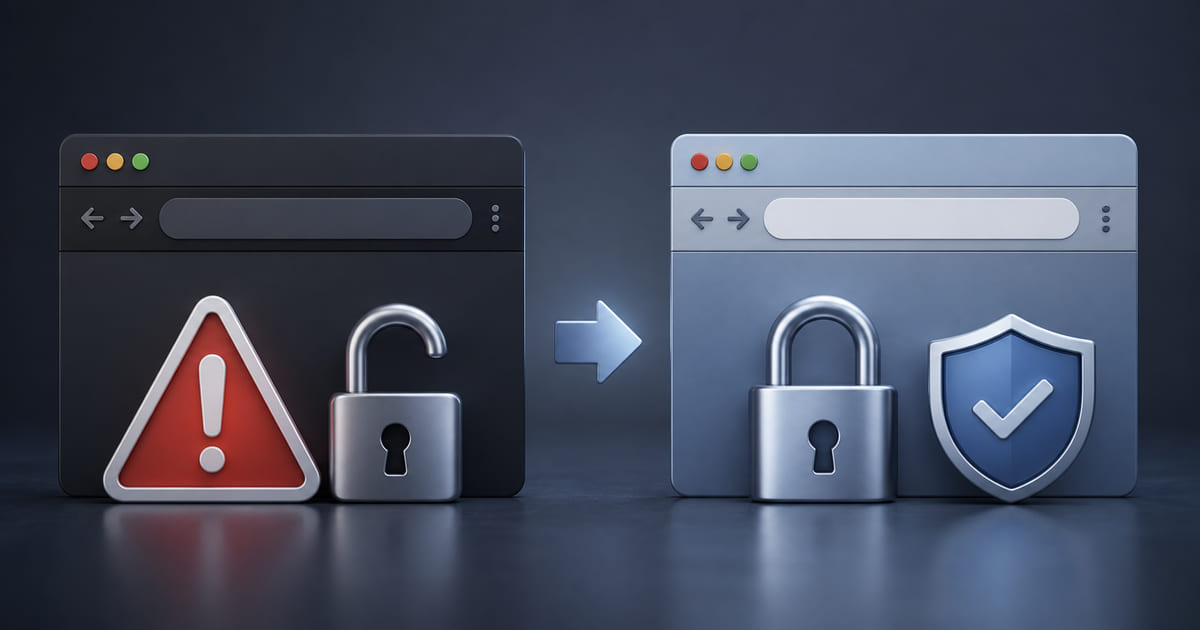
Because it is served over HTTP without a valid SSL certificate, so the browser warns visitors. The fix is installing a certificate — free from Let's Encrypt, and included by default with most modern hosting. It matters beyond the warning: unsecured sites rank worse, and many visitors leave the moment they see it.
On this page
What the warning means
Browsers show it when a site is served over plain HTTP instead of HTTPS. The S is encryption: it means the connection between your visitor and your site cannot be read or altered along the way.
Without it, anything typed into your site — a contact form, a booking, a card number — travels in the open. So browsers warn people, and the warning is deliberately alarming.
Why it matters more than it looks
Visitors leave. They will not weigh up the technical severity. They see "not secure" beside your name and infer carelessness.
It affects ranking. Search engines have treated HTTPS as a signal for years. An unsecured site competes with a handicap.
Forms become genuinely unsafe. If you collect anything at all — even a name and a phone number — you are collecting it insecurely. That is a real problem, not a cosmetic one.
The fix
Install an SSL certificate. In practice:
- Most modern hosting includes it free, often switched on by default. If yours does, this is a setting rather than a purchase.
- Let's Encrypt issues them free, and is what most hosts use underneath.
- You should not need to buy one. Paid certificates exist and are almost never necessary for a small business site. If someone quotes a yearly fee for basic SSL, ask why.
Then make sure the old addresses redirect: every HTTP URL should permanently redirect to its HTTPS version, so existing links and search results keep working.
The version that catches people out
Sometimes the certificate is installed and the warning still appears on some pages. That is usually mixed content: the page itself is secure, but it loads an image, font or script over plain HTTP, and one insecure item trips the warning.
The fix is finding those items and pointing them at secure addresses. Tedious rather than difficult, and worth doing properly — a padlock that appears on the homepage but not on the booking page is the worst of both.
How to check
Open your site and look at the address bar. Then check a page deeper in — a menu, a contact page, a booking form. The homepage passing tells you very little about the page where someone actually types their details.
Whose job this should have been
Everything above is fixable, and the more useful question is why it needed fixing at all.
A certificate is free and renews automatically on any competently run host. A site showing "Not secure" in 2026 is almost never a business that weighed it up and declined. It is a business whose hosting has nobody actively looking after it — the certificate lapsed, or was never installed, and no alert reached anyone who would act on it.
That is the thing to fix, rather than the padlock. On a managed platform it is not a task you own at all: on Helm the certificate is issued, renewed and monitored as part of the hosting, along with the related things that fail the same quiet way — mixed content, the redirect from the insecure version, and the certificate on the www version of the domain that everybody forgets until somebody types it.
So fix yours today using the steps above. Then ask who was supposed to have noticed, because that answer usually explains several other things about the site as well.